As I said yesterday, today is the moment, I show a bit of the engine of today’s build. It will get technical, but if it gets un-understandable tell me.
How it works – The Lua Part
We have a little Lua to initialize the engine with all the needed tables. If they aren’t existing, the engine is hopelessly lost.
scenes = {}
localisations = {}
game = {}
As you see we have a scenes table, which obviously holds all the scenes, a localizations table which isn’t needed really in the engine now and finally a game table. I use the game table for saving configurations of the game, like the language or other game related settings. Once we initialized the tables we fill them.
dofile "locals/en.lang"
dofile "locals/de.lang"

dofile "scenes/lua_testscene.pcscene"

-- Load the configs
game.stdlang = "en"
game.lang = "en"

dofile "Game.conf"
That’s the moment it gets annoying: We must load every single file, and as I am to lazy to write a function, which iterates through a folder, we must add them manually to the file or write them as you wish. All the engine does internally is executing this single “Engine.lua”. Everything else is in your hand! Let’s see how a scene file looks like:
How it works – The Scene File
scenes["lua_testscene"] = {}
-- We are lazy
local scene = scenes["lua_testscene"]

-- The Objects now: Format {texture path, position: x,y,z, callback (or nil), {actions (ether u or c) and/or l} (or nil)}
scene["objects"] = {
	{".\\textures\\test.png", 0, 0, 0, "bin", {'u', 'l'}},
	-- This one is special: It gets explained later
	{"r800,600", 200, 100, 1, "hello", {'u', 'l'}}
}

-- The Walkboxes: Format: {position: x,y, width, height, isActive (bool)}
scene["walkboxes"] = {
	{0, 10, 1000, 400, true},
	{200, 10, 1000, 400, true},
	{150, 300, 60, 200, true}
}

-- The Zoomlines: Format {point1: x,y, point2: x,y, zoomfactor, isActive}
scene["zoomlines"] = {
	{0, 0, 1000, 1000, 0.9, true}
}

function scene.hello( action )
	-- display hello testy World
	print(display("test")); -- test
end

function scene.bin( action )
	-- display depending on action runs or it's a tablet
	if action == 'u' then print(display("tabletU"))
	elseif action == 'l' then print(display("tabletL"))
	end
end

return scene
This simple file results in this simple scene:
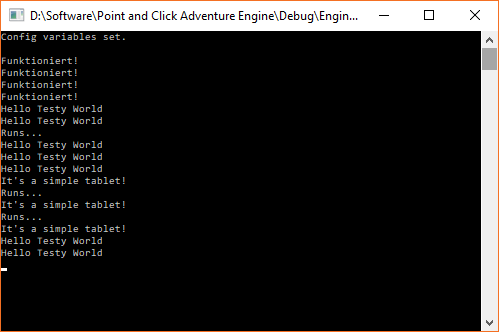
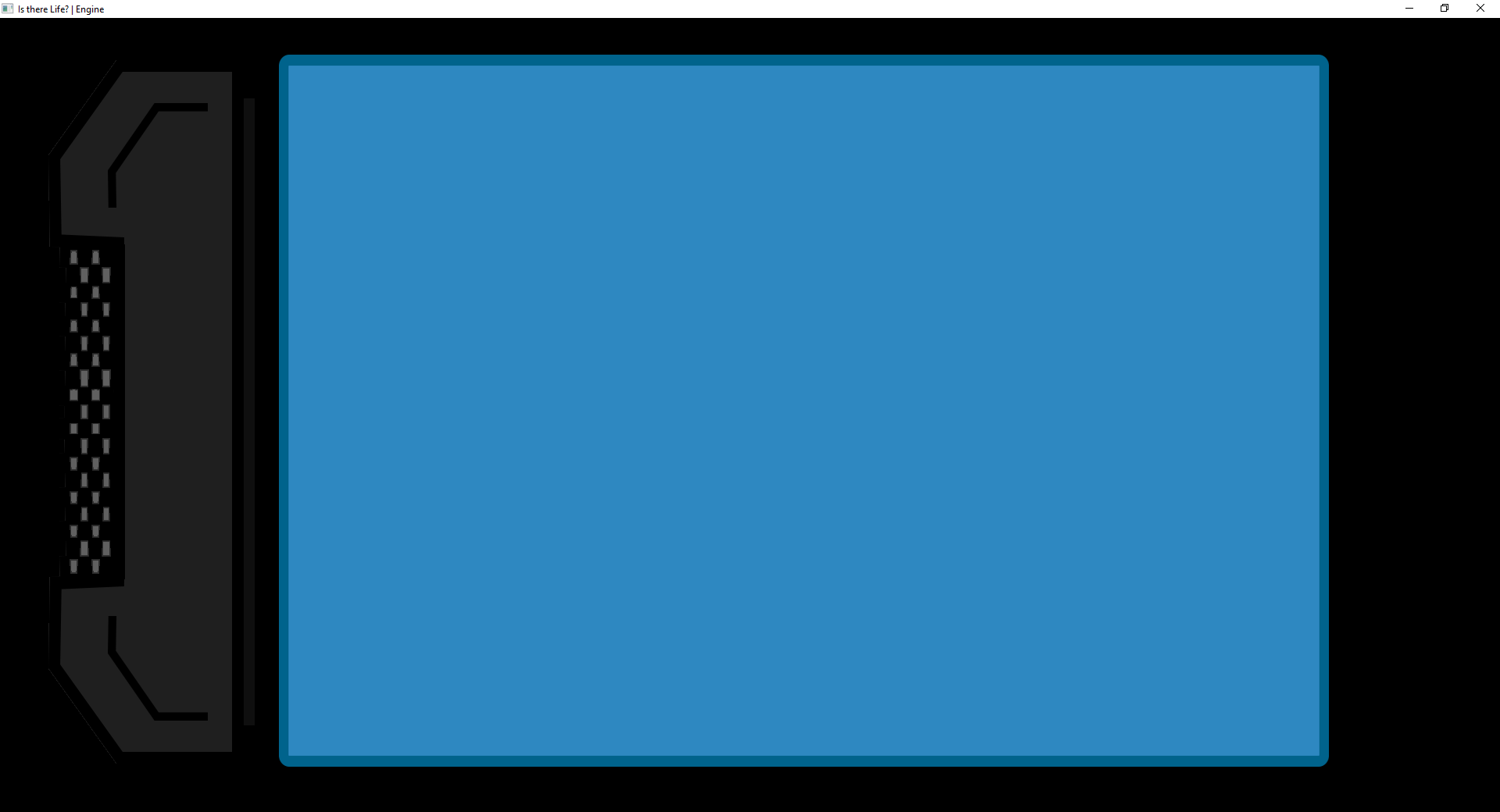 Even the callbacks are working:
Once we finished the loading of the file we are loading this specific scene - this get changed, don’t worry! Now we get to the interesting stuff in the engine:
How it works – The Static Part
Once Lua is done my engine gratefully says thanks and adds the objects, walk boxes, and zoom lines. To a scene which it got from the engine manager (better known as Engine).
//first is the key, second the value
void Lua::readObject(std::pair<sol::object, sol::object> o) {
	if (!o.second.is<sol::table>())
		throw Exception::noObjectTable; //OOops the Lua was wrong

	std::list<char> actions;
	//We need to read the actions, because it's a table
	auto getActions = [&actions](std::pair<sol::object, sol::object> a) {
		if (a.second.is<char>())
			actions.push_back(a.second.as<char>());
	};
	//I am lazy
	auto t = o.second.as<sol::table>();
	if (t[6].get_type() == sol::type::table)
		t[6].get<sol::table>().for_each(getActions);
	scene_temp->addObject(t[1].get_or<std::string>("r0,0"), sf::Vector3i(t[2].get_or(0), t[3].get_or(0), t[4].get_or(0)), t[5].get_or<std::string>(""), actions);
}

void Lua::readWalkbox(std::pair<sol::object, sol::object> o) {
	if (!o.second.is<sol::table>())
		throw Exception::noObjectTable;

	auto t = o.second.as<sol::table>();
	scene_temp->addWalkbox(sf::IntRect(t[1].get_or(0), t[2].get_or(0), t[3].get_or(0), t[4].get_or(0)), t[5].get_or(true));
}

void Lua::readZoomline(std::pair<sol::object, sol::object> o) {
	if (!o.second.is<sol::table>())
		throw Exception::noObjectTable;

	auto t = o.second.as<sol::table>();
	scene_temp->addZoomline(sf::IntRect(t[1].get_or(0), t[2].get_or(0), t[3].get_or(0), t[4].get_or(0)), t[5].get_or<float>(0), t[6].get_or(true));
}
As you see this almost feels like Lua access to a variable. All we must do is to call a specific method of the scene. Now is the time to add the objects to the rendering list and voila: Done.
Special case: Object without texture
As you saw earlier we had one line which was different:
{"r800,600", 200, 100, 1, "hello", {'u', 'l'}}
We don’t add a texture here, as we just want to have a callback. I could have used a transparent texture, but then, we would add an unseen texture to the rendering, which would kill our performance, when used heavily. I chose to use our string to define, that this is just a rectangle we can click and get our callback. The first character is a r: It tells the engine: Just a callback rectangle without a texture is wanted. The following, by a comma separated values are defining width and height. This rectangle is added as object but won’t get added to the draw list. The benefit is, we can send the callback without iterating twice and we save rendering time.
How it works – The “Editor Mode”
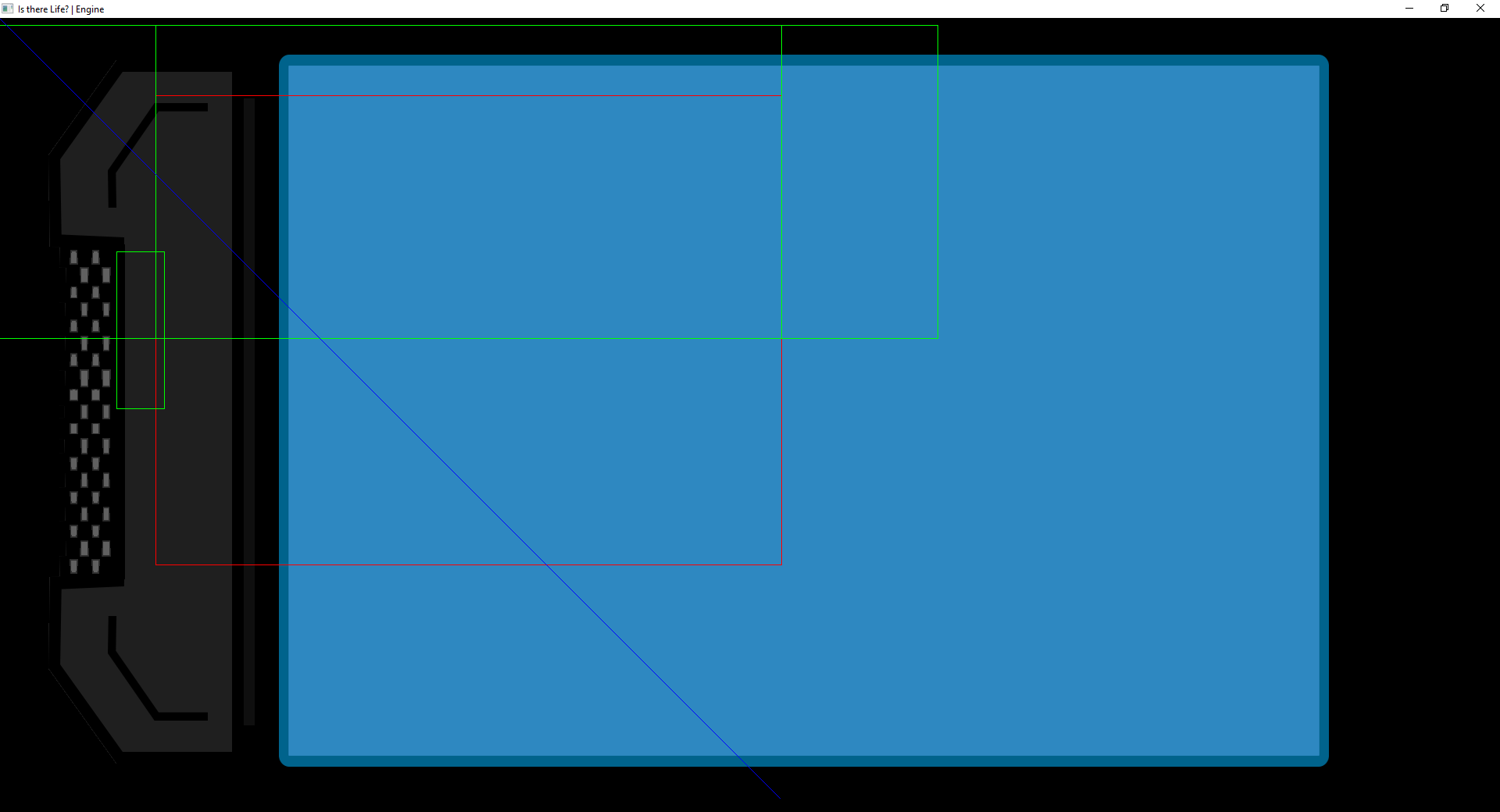
For getting the in-engine editor nearer, I created a so called “editor mode”. You can switch it via pressing F3. In this mode we see all the objects (red), walk boxes (green) and zoom lines (blue). To get this displayed I iterate through the scene and save colored rectangles to a list. This list is then added to the GUI draw list, which is like the draw list, but reserved for the GUI. It simply gets drawn after the normal draw list, so our rectangles are always in the foreground. Since it’s pointless to always close and reload the engine when changing the scenes, we can press Shift+F3 to reload the “Engine.lua” and so the scene. As a bonus, if you failed writing proper Lua, the engine just won’t display anything instead of crashing, unlike in the startup.
What comes next?
The next step is allowing multiple scenes being loaded, so we can switch them easily. With that I take the first scene to the “Engine.lua” so we can start off capsuling Game and Engine completely. Afterwards I will add some functions to control the engine from Lua like a scene changer, displaying a subtitle or playing a sound. Once that is finished I start making some editor tools to get closer to an in-engine editor. The next blog post will be Saturday or Sunday, but eventually about the future of the blog, because next week starts school again and I won’t have the time I have right now.
End Quote
The best refactoring after a long period is perhaps a restart.
–HaSa (Hopefully the last one from me)